ERPNext for retail:
one system for POS, web and warehouse
Stop syncing stock between your till and your accounts. ERPNext runs offline-ready billing, multi-store inventory and e-commerce orders off a single ledger.
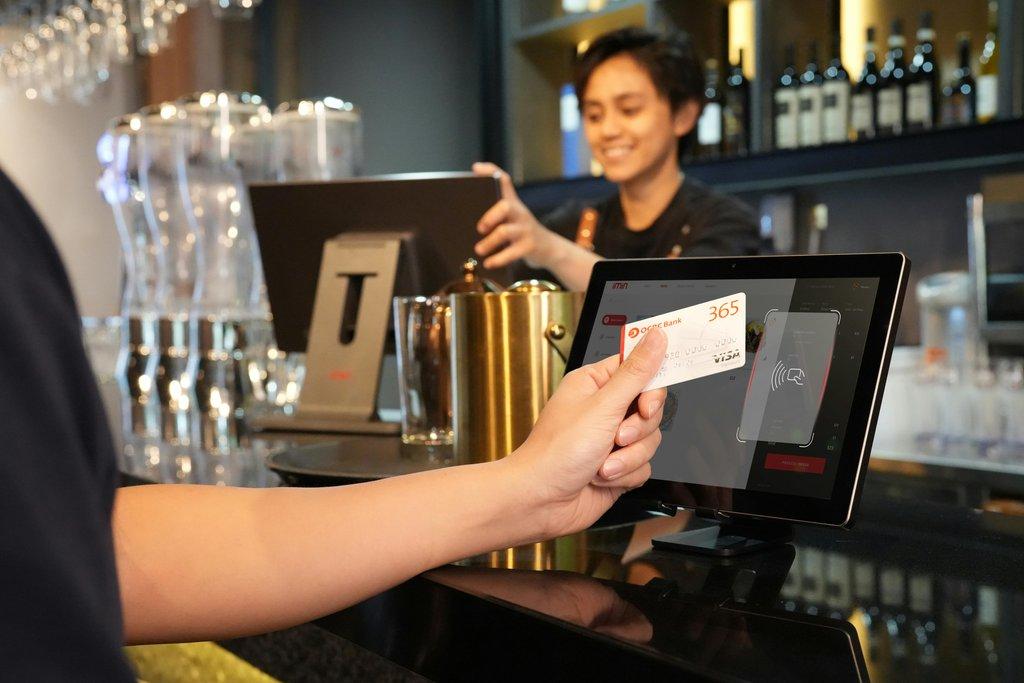
From stock
to day-end close
Whether the customer buys in store or online, it moves the same stock and the same ledger.
Master inventory
One view of stock across the main warehouse and every branch.
Sales (POS or web)
Store and online sales draw down the same stock as they happen.
Loyalty & promotions
Points and offers apply the same way wherever the customer buys.
Reconciliation
Day-end closing across cash, card and UPI, with GST-ready invoices.
Built for speed
and accuracy at the till
High-volume selling at the front, balanced books at the back.
Offline POS
The till keeps billing when the internet drops and syncs transactions when it returns.
Pricing & promotions
Buy-one-get-one, member pricing and time-limited offers, applied at every till at once.
Stock replenishment
Reorder levels per branch raise material requests on the main warehouse automatically.
Multi-store stock
Transfers, branch-wise valuation and one truth about what is where.
E-commerce sync
Shopify and WooCommerce items, stock and orders flow into the same ledger.
Store analytics
Sales per store, best sellers, cashier performance and hour-by-hour patterns.
Integrated ERP
vs a standalone till
| What matters | ERPNext retail | Standalone POS |
|---|---|---|
| Inventory | Warehouses, batches and expiry | Front-of-store stock only |
| Accounting | GST ledgers update as you sell | Export and import into accounts |
| Purchasing | Full purchase cycle with receipts | Usually not included |
| Customisation | Configurable on the Frappe framework | Limited to the vendor's plugins |
| Channels | Store and online on one stock ledger | A connector between two systems |
One store first,
then the chain
We start at a single location, then roll out once the tills and stock behave.
Hardware check
We confirm your scanners, printers and touchscreens work with ERPNext before anything changes.
Data & setup
SKUs, barcodes and opening stock imported, and the offline POS profile configured.
Staff training
Cashiers on billing, refunds and closing; managers on transfers and reorder levels.
Retail ERPNext
FAQs
Related
pages
Ready to modernise
your retail chain?
Book a discovery session. We'll show you the POS on your own items and how stock stays right across stores.
- Offline POS demonstrated live
- Your hardware checked first
- One store, then the chain
- Call us+91 77780 25099
- WhatsAppChat on WhatsApp
- Emailsales@exalixtech.com
Book a retail discovery call
Tell us how many stores you run and what you sell.
Thank you, !
We have your details and will get back to you shortly. For anything urgent, call +91 77780 25099.